
HyperOS Launcher Guides
Install help, widget and folder setup, gesture and animation notes, updates and fixes for the problems that actually happen, every guide tested on real Xiaomi and Redmi phones running HyperOS.
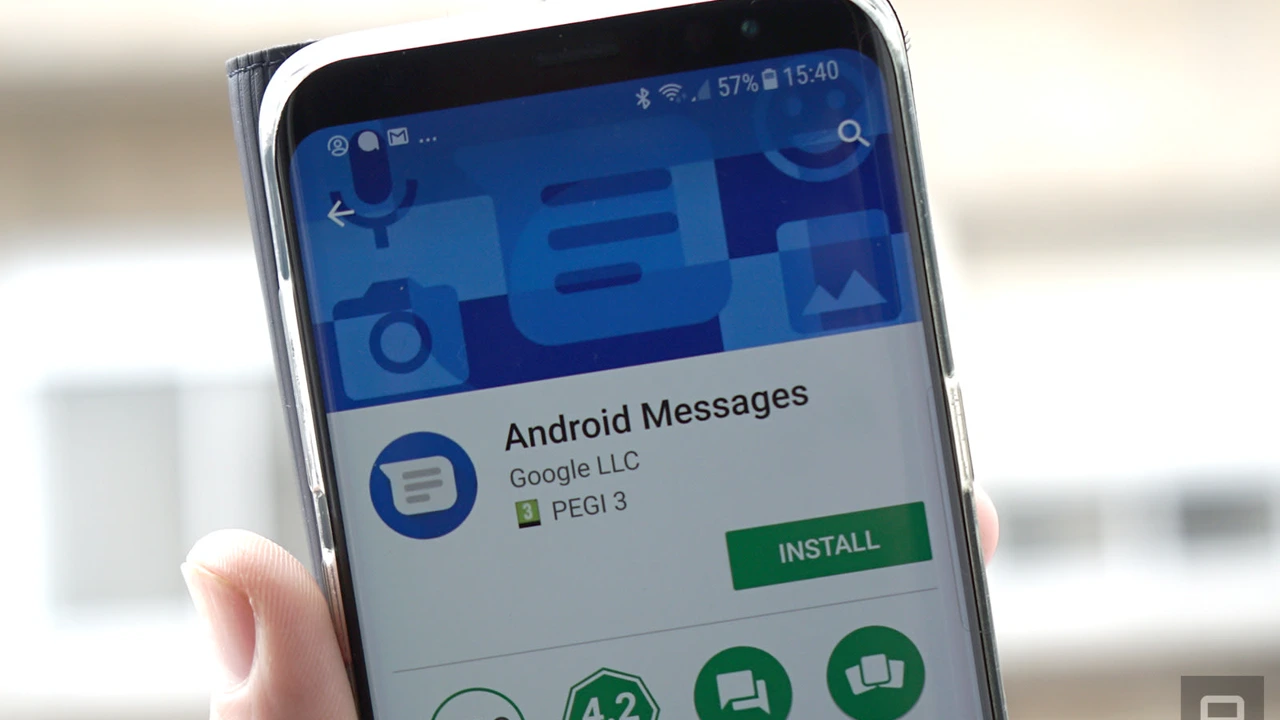 Guide How to Install HyperOS Launcher on Android, Step by Step The calm way to install the HyperOS Launcher APK: check your system version, remove an older hand installed build, allow the install and check your layout. Read guide →
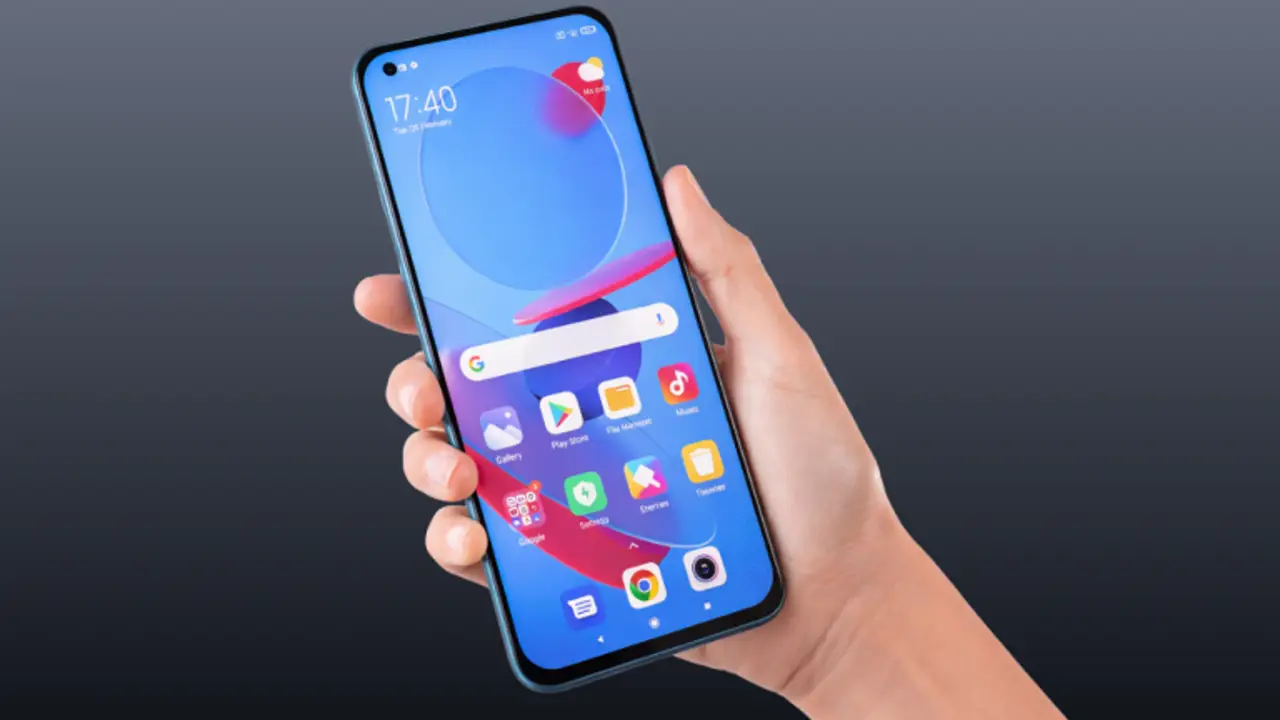 Guide HyperOS Launcher Beginner Guide: Your First Week Done Right New to HyperOS Launcher? The first week routine that works: set the grid, add the widgets you glance at, build folders, learn the gestures and let the home screen settle. Read guide →
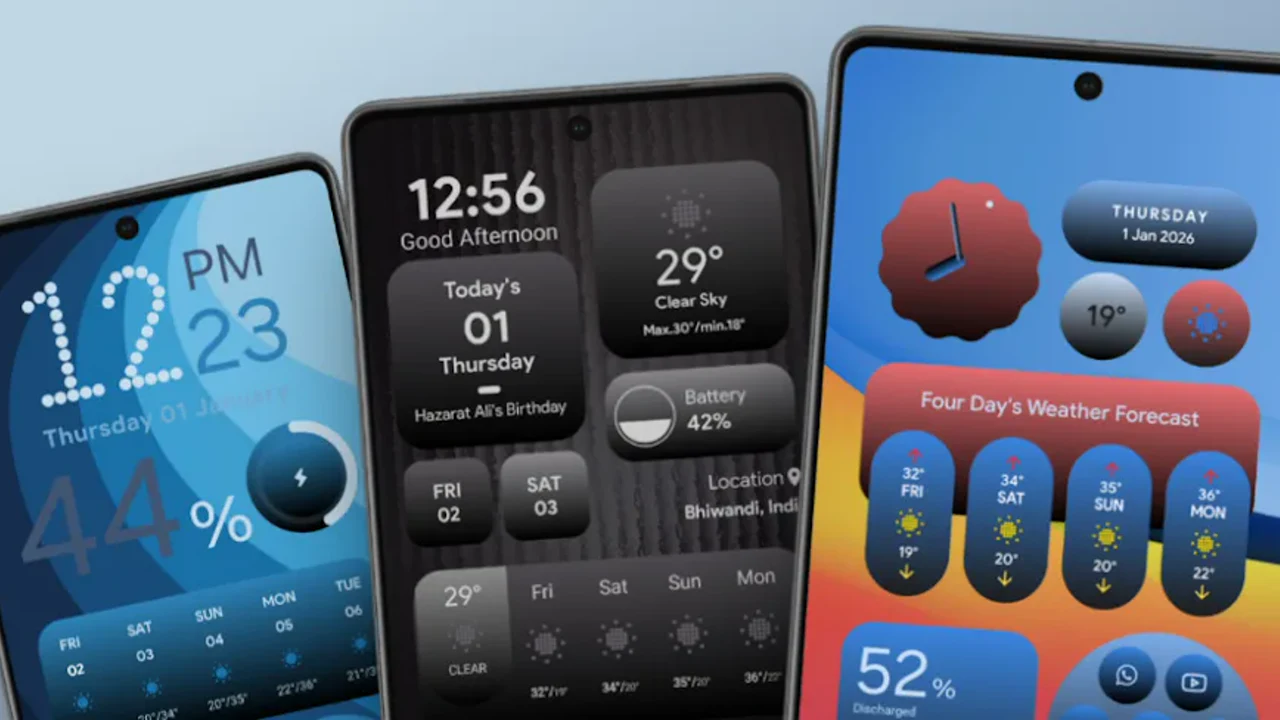 Guide HyperOS Launcher Widgets: Sizes, Stacks and the Ones Worth Keeping Which HyperOS Launcher widgets earn a place on your home screen, how to resize them, how widget stacks work, and how to fix a widget that goes blank. Read guide →
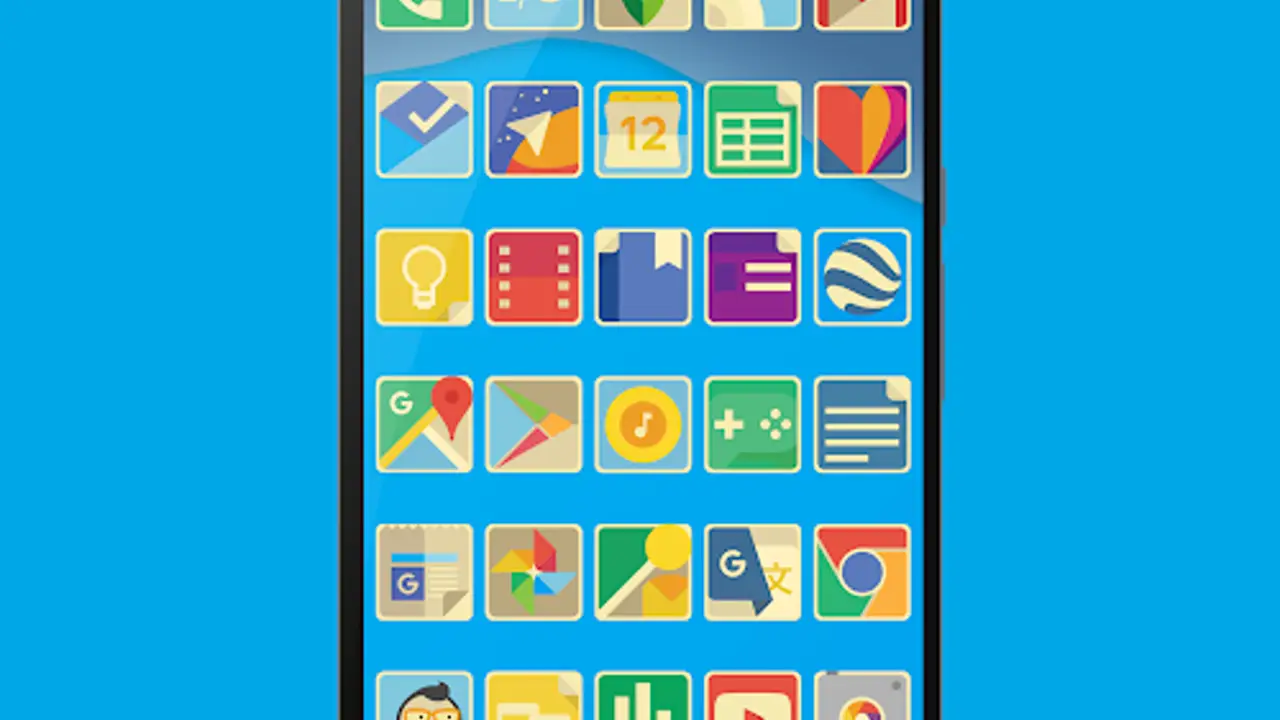 Guide HyperOS Launcher Home Screen Setup: A Layout That Answers in One Tap Set up the HyperOS Launcher home screen properly: grid size, wallpaper, folders, the dock and a second screen, so every app you need is one tap away. Read guide →
 Guide HyperOS Launcher Icon Style and Size: Make the Grid Easier to Read Change the HyperOS Launcher icon style and size: where the controls live, which sizes suit small and large screens, and how to keep icons readable on any wallpaper. Read guide →
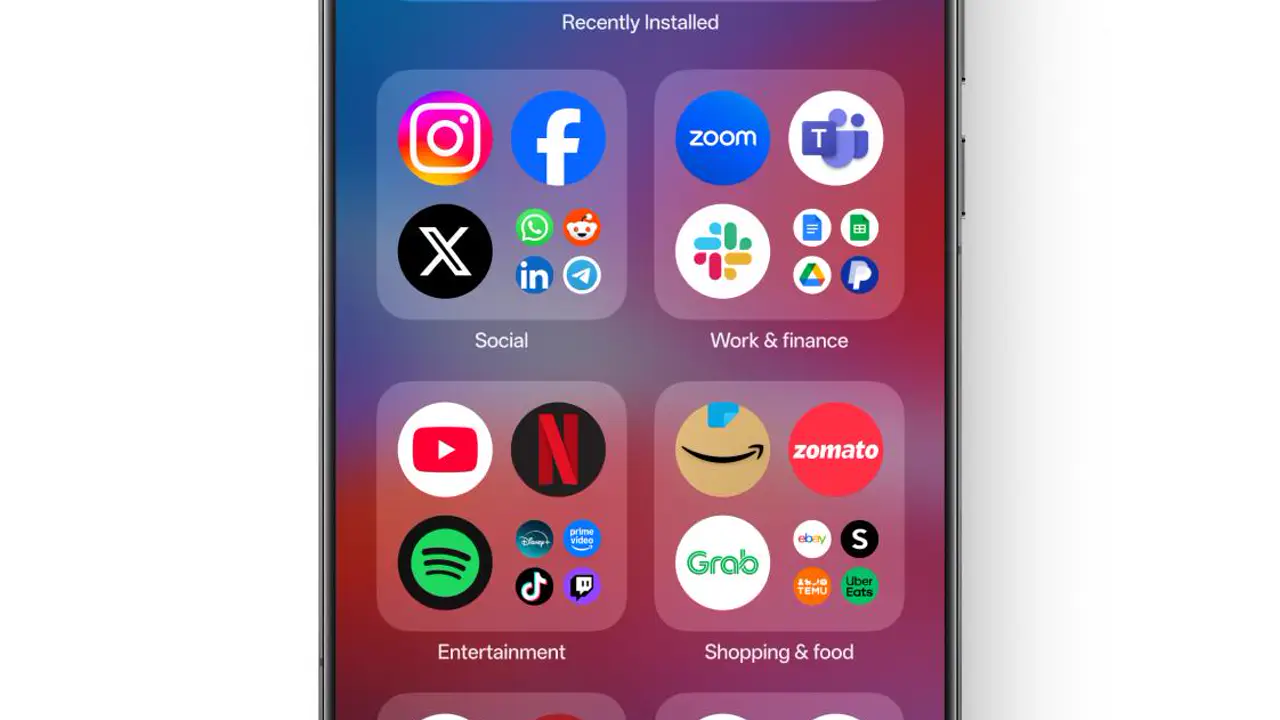 Guide HyperOS Launcher Folders: Group Apps So You Find Them in One Tap Use HyperOS Launcher folders properly: naming by job, the right number of apps per folder, folders on the dock, and what to do when a folder feels slow. Read guide →
 Guide HyperOS Launcher Gestures: Home, Back and Recent Apps Without Buttons Master HyperOS Launcher gestures: swipe up for home, swipe and hold for recent apps, swipe in from the edge to go back, plus the gesture bar and what to do when a gesture misfires. Read guide →
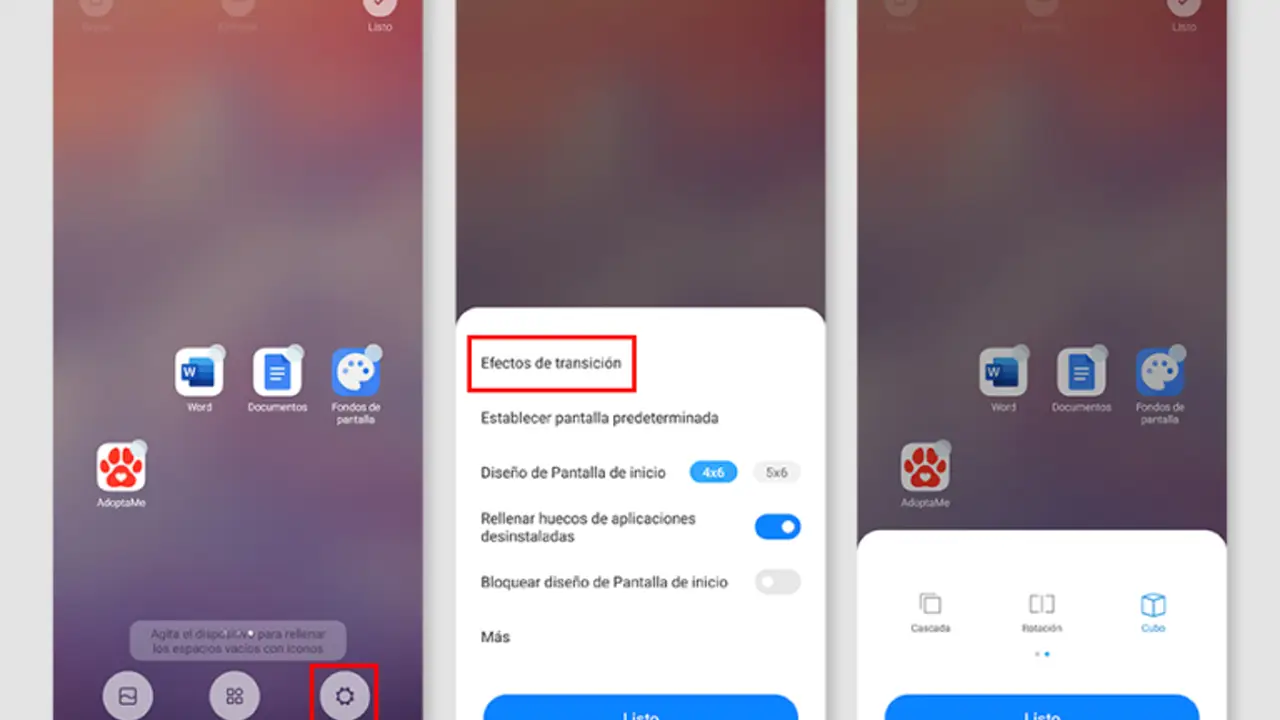 Guide HyperOS Launcher Animations: Why the Home Screen Feels Fast, and When It Does Not How HyperOS Launcher animations work: app open and close, folder pops, recent apps cards, and the fixes when animations feel slow or stutter. Read guide →
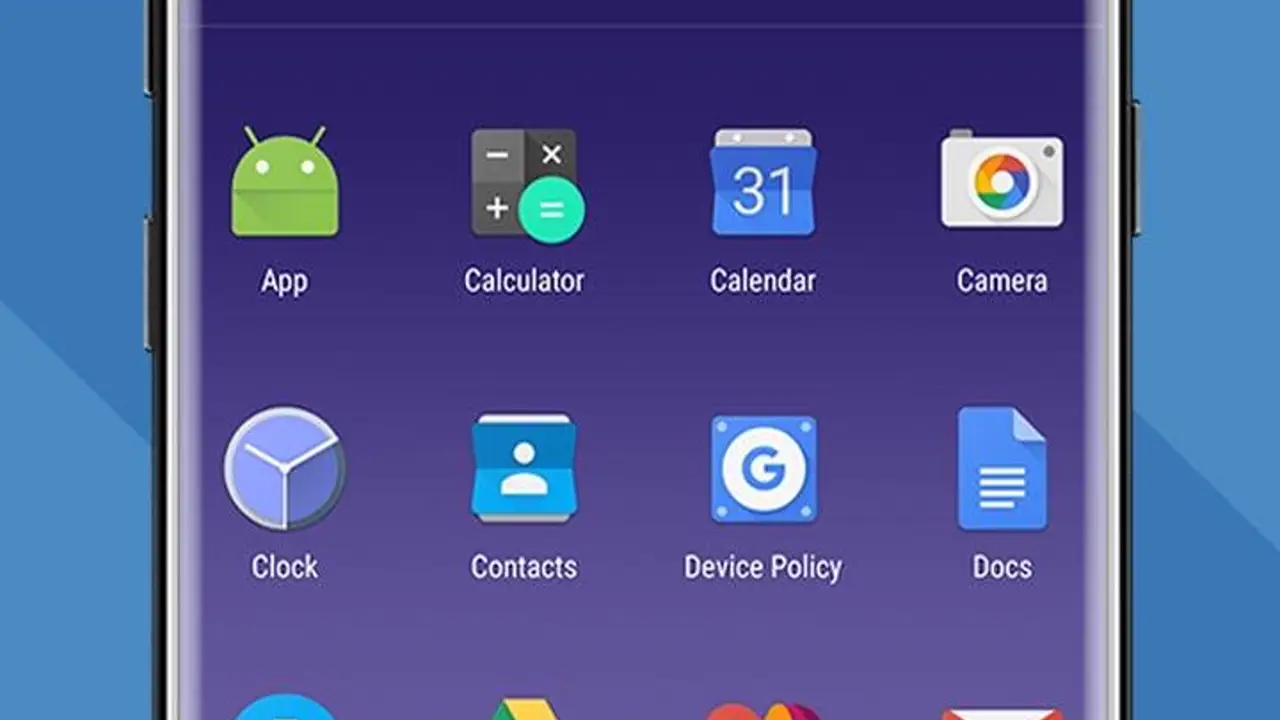 Guide HyperOS Launcher App Drawer: Find Any App in Seconds Use the HyperOS Launcher app drawer properly: search, recent apps at the top, alphabetical order, and what to do when an app seems missing. Read guide →
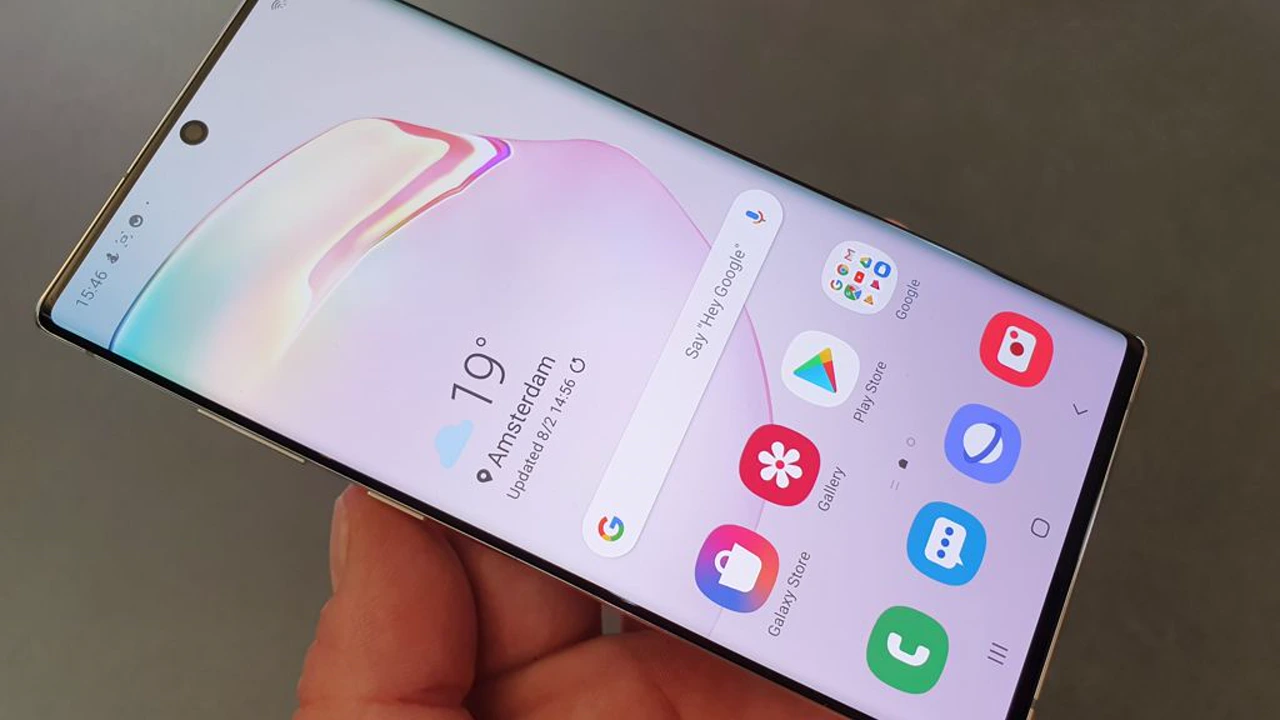 Guide HyperOS Launcher Search: Apps, Settings and Contacts in One Place Use HyperOS Launcher search properly: what it finds, how it learns, when it beats scrolling, and what to do when a search finds nothing. Read guide →
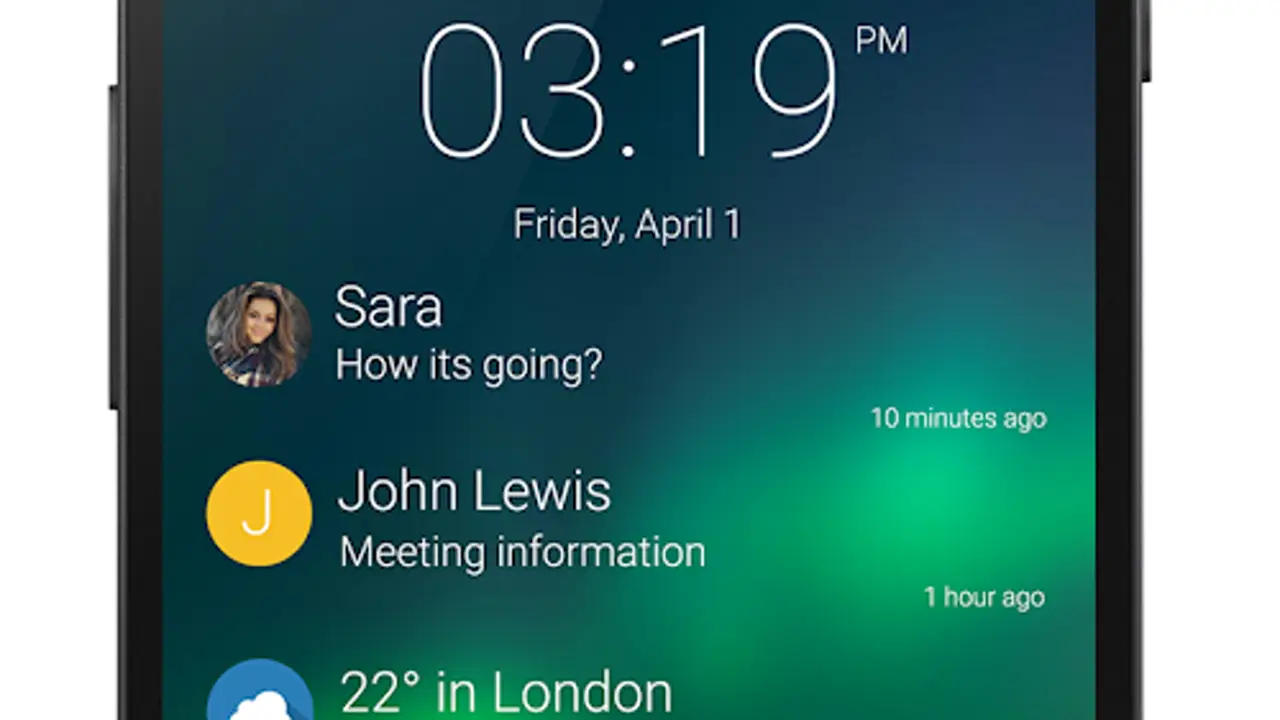 Guide HyperOS Launcher Notifications: Badges, Dots and a Quieter Home Screen Control HyperOS Launcher notifications: app badges, notification dots, which apps earn a badge, and how to quiet a noisy home screen without missing anything. Read guide →
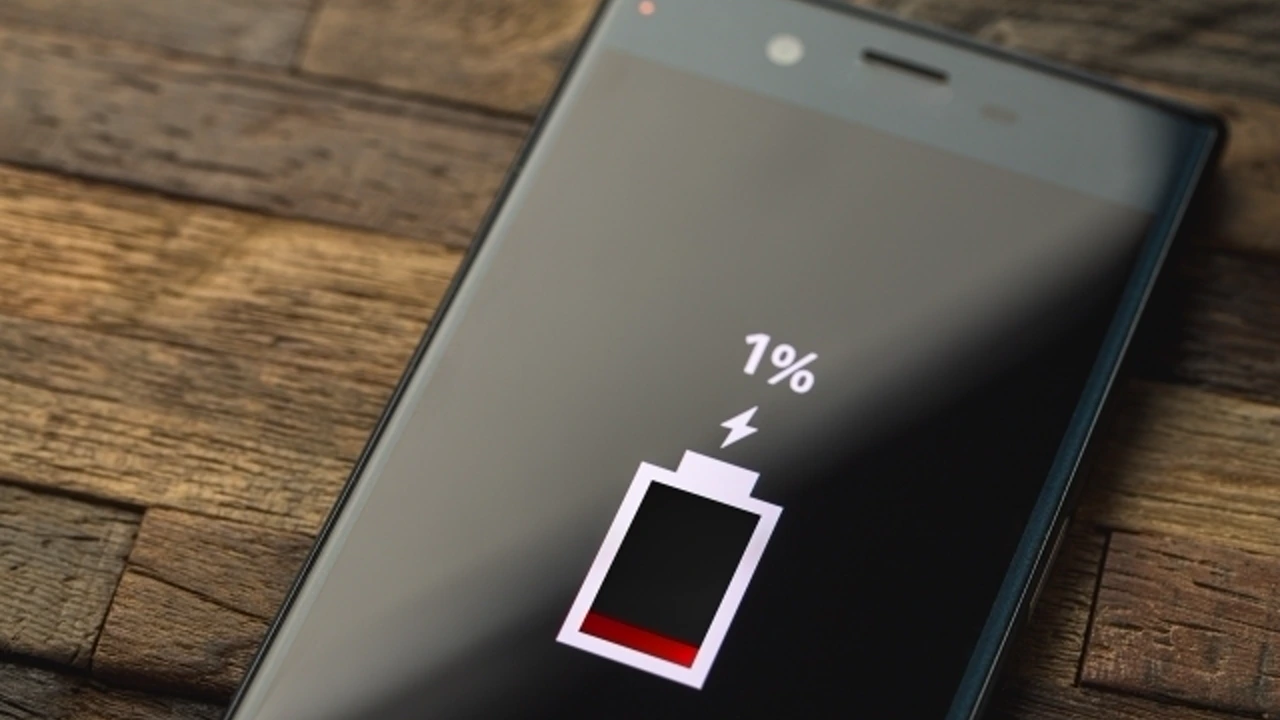 Guide HyperOS Launcher Battery Use: What the Home Screen Really Costs How much battery HyperOS Launcher uses, what actually drains it, widgets and animations, and the settings that keep the home screen cheap. Read guide →
 Guide HyperOS Launcher Not Working? 7 Fixes That Solve Most Problems HyperOS Launcher not working? Seven fixes for the problems that actually happen: failed installs, blank widgets, missing apps, slow animations and a home screen that looks wrong. Read guide →
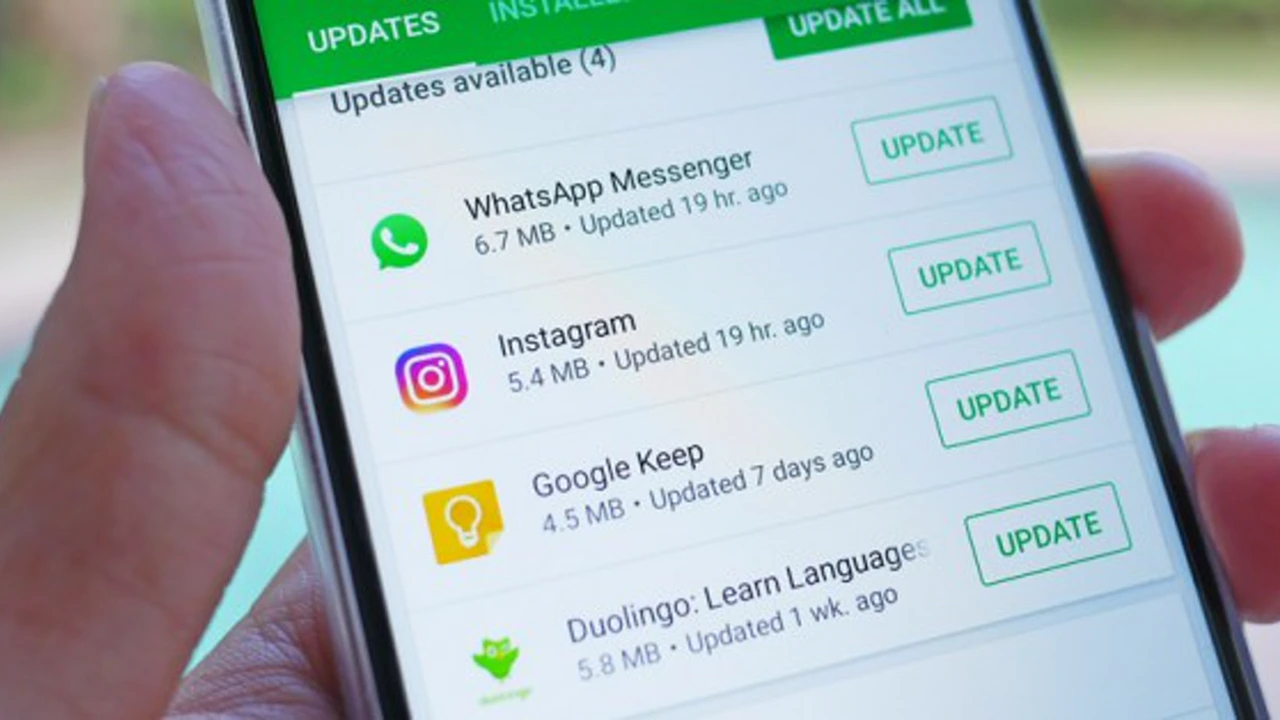 Guide How to Update HyperOS Launcher Without Losing Your Layout Update HyperOS Launcher safely: the in place update, the checks before you install, what carries across, and what to do if the layout looks different afterwards. Read guide →
 Guide HyperOS Launcher Previous Build: What Changes and What Stays What changes when HyperOS Launcher moves to a new build, what stays the same, and how to tell whether the update is worth doing on your phone. Read guide →
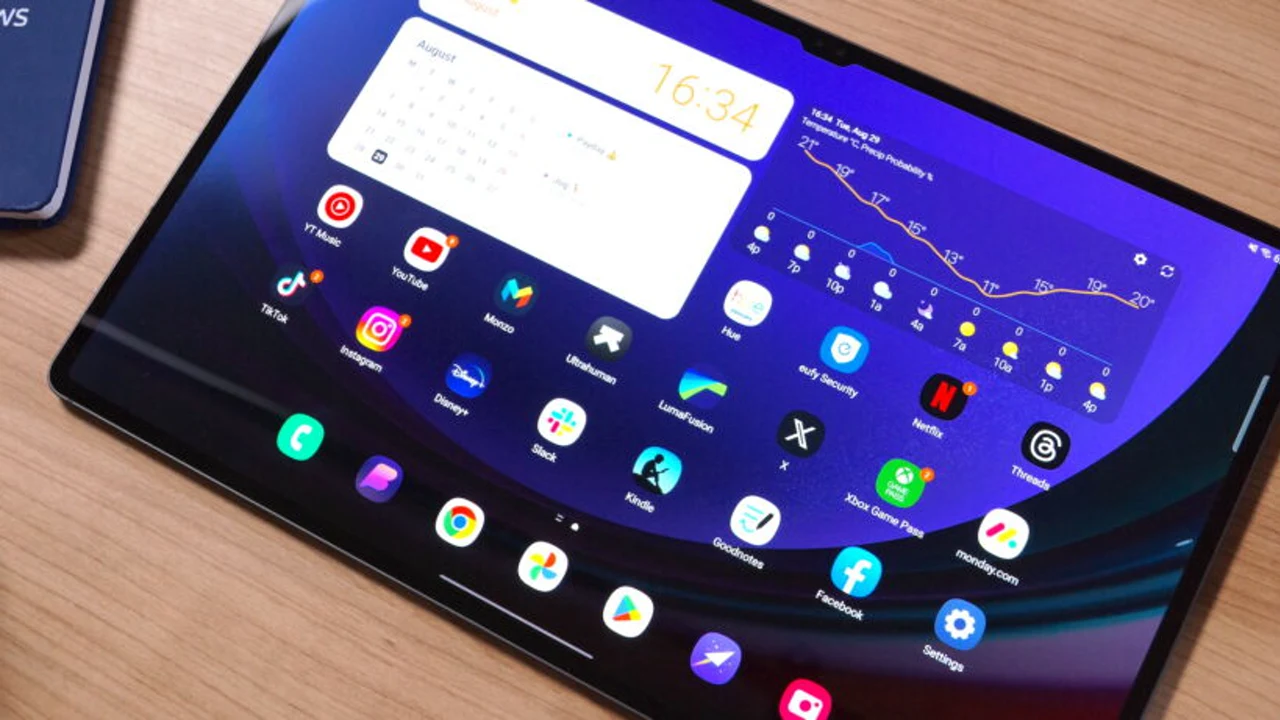 Guide HyperOS Launcher on a Tablet: A Home Screen That Uses the Big Screen Set up HyperOS Launcher on a tablet: the wider grid, landscape layout, widgets that earn the space, and the gestures that change on a big screen. Read guide →
 Guide HyperOS Launcher on Older and Low End Phones: Smooth Without the Extras Run HyperOS Launcher smoothly on an older or low end Xiaomi or Redmi phone: the settings that matter, the extras to turn off, and what to expect. Read guide →
 Guide HyperOS Launcher Backup and Restore: Keep Your Layout Safe Back up your HyperOS Launcher layout and restore it after a reset or on a new phone: what the backup carries, how to make one, and what to check after restoring. Read guide →
 Guide HyperOS Launcher Privacy Settings: What the Home Screen Knows Check the HyperOS Launcher privacy settings: what the home screen and its search know, which permissions matter, and how to keep the home screen quiet. Read guide →
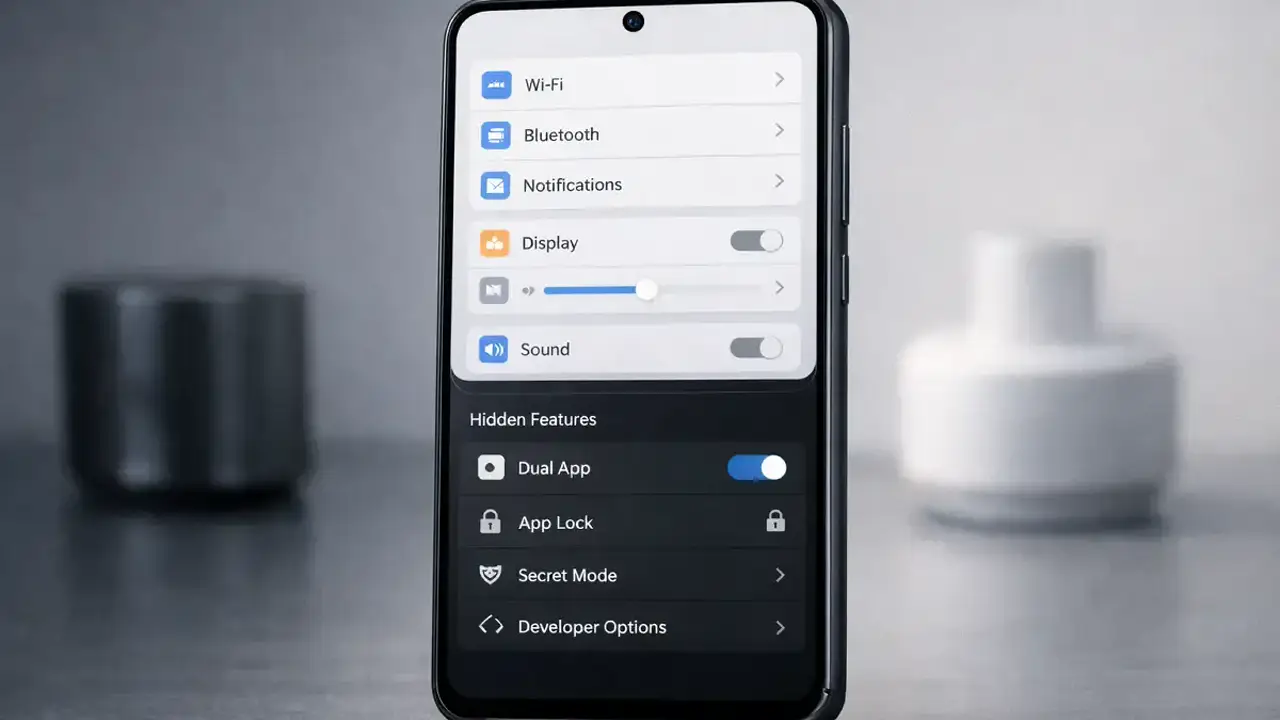 Guide HyperOS Launcher Hidden Features: The Settings Most Owners Never Open The HyperOS Launcher features most owners never find: widget stacks, locked recent apps, split screen from the recents view, and the layout controls worth opening once. Read guide →